
Mobile phones have become an important part of everyday life in Dubai. People use their phones for work, communication, online payments, navigation, shopping, entertainment, and staying connected with family and friends. Because a mobile phone is used so often, it can develop different problems over time.
A phone may become slow, stop charging, have a damaged screen, drain its battery quickly, or experience problems with the camera, speaker, microphone, or software. Some problems can be solved with simple steps, while others require professional attention.
Knowing how to fix your mobile or when to contact a professional repair service can help you avoid unnecessary costs and keep your phone working for longer. This guide explains some common mobile problems and practical ways to deal with them.
How to Fix Your Mobile When It Becomes Slow
A slow phone can make simple tasks frustrating. Apps may take longer to open, menus can become unresponsive, and the phone may freeze while you are using it.
One common reason is limited storage. When your phone has very little free storage, its performance may be affected. Removing unnecessary photos, videos, downloads, and unused applications can create more space.
You can also restart your phone and check for available software updates. Some performance issues are related to outdated software or applications.
If the phone remains slow after basic maintenance, the problem may be related to its storage, battery, operating system, or internal hardware. A professional technician can inspect the device and identify the actual cause.
How to Fix Your Mobile When It Is Not Charging
Charging problems are among the most common mobile phone issues. A phone may not charge at all, charge very slowly, or repeatedly connect and disconnect from the charger.
Start by checking the charging cable and power adapter. Try another compatible charger to determine whether the accessory is causing the problem.
The charging port should also be inspected. Dust and debris can sometimes collect inside the port and affect the connection. Avoid using sharp objects to clean it because this can damage delicate components.
If the phone still does not charge, the problem may involve the charging port, battery, or internal charging components. Professional inspection is recommended in this situation.
How to Deal With a Cracked Mobile Screen
A cracked screen can happen after a phone is dropped or hit against a hard surface. Even a small crack can become worse with continued use.
If the display still works, some people continue using the phone, but cracks can spread over time. Broken glass can also affect touch sensitivity and make the device uncomfortable to use.
For serious screen damage, professional screen replacement is usually the better option. A technician can inspect the display and determine whether only the screen needs replacement or whether other internal components were also affected.
For Dubai users, getting a damaged phone checked quickly can help prevent a minor accident from becoming a more expensive repair.
How to Fix Battery Problems
Battery performance naturally decreases as a phone gets older. You may notice that your phone needs charging more frequently or shuts down unexpectedly.
Certain habits can also affect battery performance. Keeping the phone in very hot conditions for long periods can put additional stress on the battery.
If your phone becomes unusually hot, loses power quickly, or shuts down despite showing battery remaining, it may need professional inspection.
A technician can check the battery condition and determine whether a replacement is appropriate. Replacing a worn battery can often improve the usability of an older phone.
How to Solve Phone Overheating
A warm phone is not always a serious problem, especially when using demanding applications or charging. However, excessive or frequent overheating should not be ignored.
Running many applications at the same time, using demanding games for long periods, charging with unsuitable accessories, or exposing the phone to high temperatures can contribute to overheating.
Close applications that you are not using and keep your phone away from direct heat. If overheating continues during normal use, the problem may be related to the battery, charging system, software, or another internal component.
Professional diagnosis can help determine the cause before the issue becomes more serious.
How to Fix Camera Problems
The camera is an important feature for many smartphone users. Camera problems can include blurry images, a camera application that does not open, black screens, focusing issues, or problems with the flash.
First, clean the camera lens with a soft cloth and restart the phone. You can also check whether the camera application has the latest update.
If the camera remains blurry or does not work correctly, there may be a hardware issue. A damaged camera module, lens, or internal connection may require professional repair.
How to Solve Speaker and Microphone Problems
If you cannot hear calls clearly or other people cannot hear you, the speaker or microphone may have a problem.
Dust or debris can sometimes affect sound quality. Software problems can also cause temporary audio issues, so restarting the phone and checking its settings can be useful.
If the problem continues, professional testing can identify whether the speaker, microphone, or another internal component needs attention.
This is especially important for people in Dubai who depend on their phones for business calls, online meetings, and daily communication.
How to Deal With Water Damage
Water damage requires quick attention. Even phones with some level of water resistance can be affected by liquids under certain conditions.
If your phone gets wet, avoid repeatedly trying to turn it on. Do not connect it to a charger while it is wet.
Water can affect internal circuits and cause problems that may appear immediately or several days later. Professional inspection can help determine whether internal components have been affected.
If important data is stored on the phone, tell the repair technician before work begins so appropriate care can be taken.
How to Fix Software Problems
Not every phone problem requires a hardware repair. Software errors can cause freezing, application crashes, unexpected restarts, battery drain, and other performance problems.
Restarting the device and installing available system updates may solve some issues. Removing applications that are causing problems can also help.
If software problems continue, a professional technician can investigate the issue and recommend an appropriate solution. Before performing any reset that could remove personal information, make sure important data is backed up.
Why Professional Mobile Repair Can Be Useful
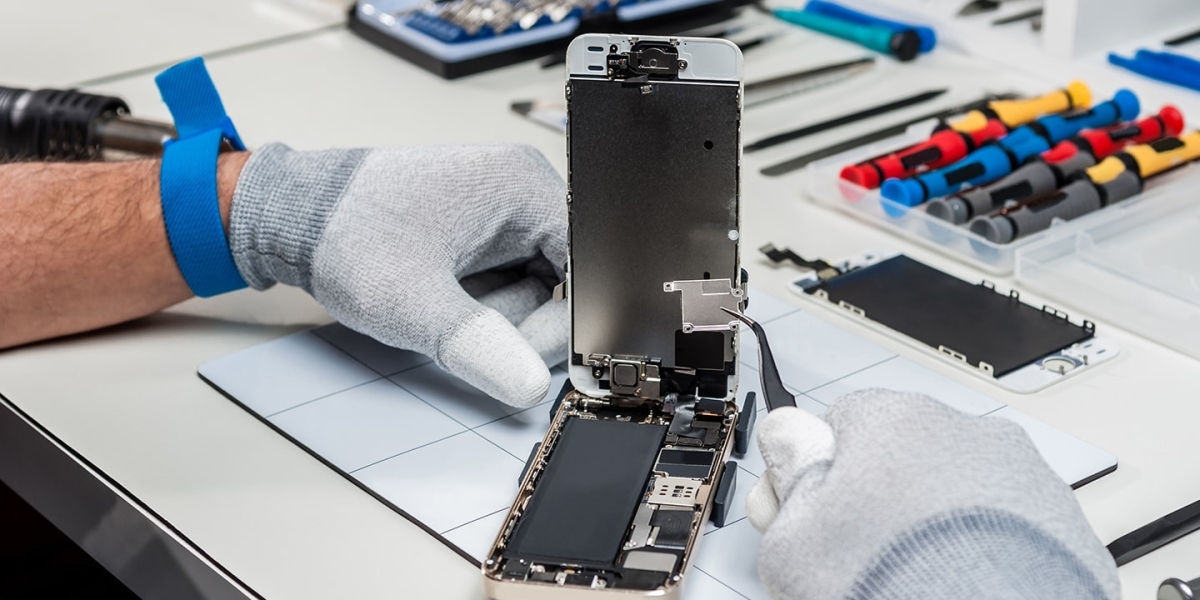
Simple problems can sometimes be solved at home, but more complicated repairs require proper tools and technical knowledge. Opening a phone without experience can damage delicate components or make the original problem worse.
Professional repair services can diagnose the device before replacing parts. This is important because the visible symptom may not always be the actual cause.
For example, a phone that does not charge may have a damaged charging port, a weak battery, a faulty charging component, or another internal problem. Replacing the wrong part can waste money without solving the issue.
A proper diagnosis helps identify the right repair.
Choosing a Mobile Repair Service in Dubai
Dubai has many mobile users who need convenient and reliable repair options. When choosing a repair service, consider the technician's experience, repair process, replacement part quality, warranty, and customer communication.
It is also useful to ask for a clear explanation of the problem and the expected repair cost before approving the work.
techfix.ae provides repair support for common mobile and electronic device problems. Customers can have their devices assessed so the appropriate repair solution can be considered based on the condition of the phone.
How to Protect Your Mobile After Repair
Once your phone has been repaired, taking care of it can help prevent similar problems in the future.
Use a suitable protective case and screen protector to reduce the risk of physical damage. Avoid exposing the phone to unnecessary heat and moisture. Keep the charging port clean and use compatible charging accessories.
It is also helpful to keep your phone's software updated and maintain enough free storage. Regularly backing up important photos, contacts, documents, and other data can provide additional protection if the phone develops a serious problem later.
Conclusion
Knowing how to fix your mobile starts with understanding the problem. Slow performance, charging issues, cracked screens, battery problems, overheating, camera faults, speaker issues, water damage, and software errors can all affect everyday phone use.
Some simple problems can be handled with basic troubleshooting, while hardware issues usually require professional inspection. Getting the correct diagnosis can prevent unnecessary repairs and help protect the phone from further damage.
For mobile users in Dubai, timely repair and proper maintenance can make a significant difference. Whether your phone has a minor issue or a more serious fault, having it checked by an experienced repair service can help restore its performance and extend its useful life.
With careful use, regular maintenance, and professional help when needed, your mobile phone can remain reliable for much longer.