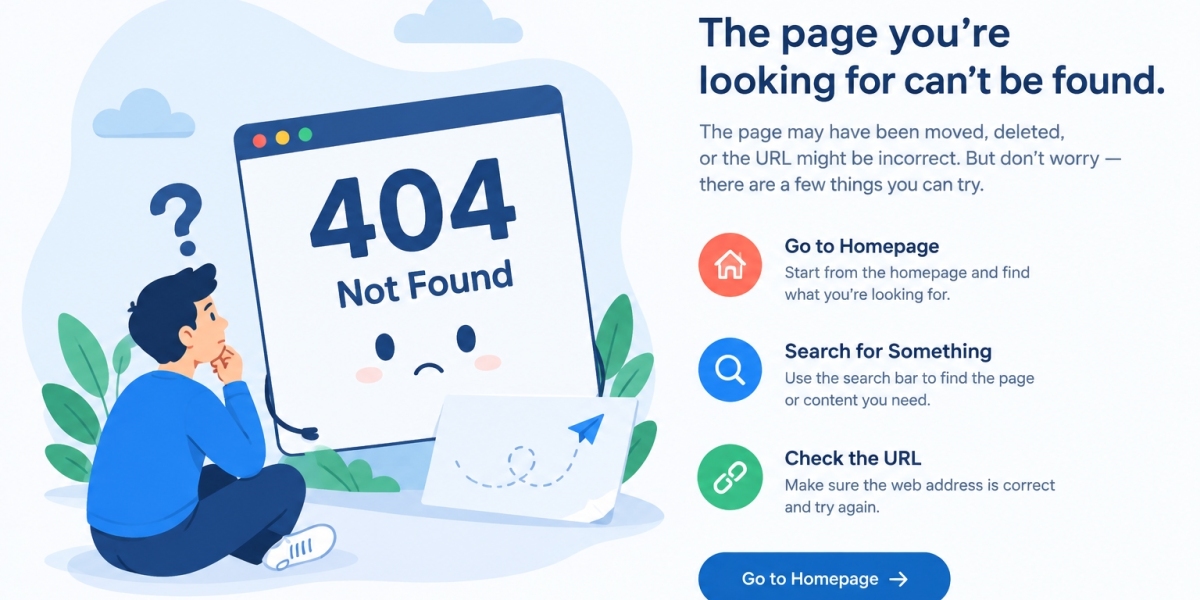

An Error 404 is a common website error that appears when a browser cannot find the requested webpage on a server. It is usually displayed as “404 Not Found.” This error can occur when a URL is incorrect, a webpage has been deleted, or a website's links have not been updated. Understanding the causes of Error 404 can help website owners improve user experience, maintain SEO performance, and ensure visitors can access the information they need.
What Causes an Error 404?
Several factors can cause a 404 error on a website. One of the most common reasons is entering an incorrect URL in the browser. A simple spelling mistake or missing character can prevent the page from loading.
Another cause is a deleted or moved webpage. When a website owner changes a page's URL without setting up a redirect, visitors following the old link may encounter a 404 error. Broken internal links, outdated external links, and changes in website structure can also contribute to this problem.
In some cases, website configuration issues or content management system errors may cause pages to appear unavailable even when the content previously existed.
How to Fix Error 404
Fixing an Error 404 depends on whether you are visiting a website or managing one.
For website visitors:
Check the URL for spelling mistakes or incorrect characters.
Return to the homepage and navigate to the page again.
Use the website's search function to locate the missing content.
Refresh the page or try accessing it later if the problem appears temporary.
For website owners:
Check whether the requested page exists and is published.
Update broken internal links across the website.
Set up a 301 redirect when a page has permanently moved to a relevant replacement URL.
Review server settings and content management system configurations.
Monitor website errors using Google Search Console and website analytics tools.
These steps can help identify the underlying problem and reduce the likelihood of visitors encountering broken pages.
Does Error 404 Affect SEO?
A 404 error does not automatically harm a website's SEO. Search engines expect some pages to become unavailable over time. However, a large number of broken internal links, missing important pages, or incorrect redirects can negatively affect the user experience and make website navigation more difficult.
If a page has been permanently removed and has no suitable replacement, returning a genuine 404 status is usually appropriate. If the page has moved to a relevant new location, implementing a proper redirect can help visitors and search engines find the updated content.
Regular website audits can help identify broken links, outdated URLs, and other technical issues before they affect visitors.
How to Create a Custom 404 Error Page
A custom 404 page helps visitors understand that the requested content cannot be found. Instead of displaying a confusing technical message, website owners can provide a helpful explanation and clear navigation options.
An effective 404 page should include a friendly message, a link to the homepage, a search bar, and links to popular pages or important services. Businesses can also include a contact option to help visitors find the information they need.
For businesses investing in professional website design and development, creating a useful 404 page is an important part of delivering a smooth browsing experience.
Conclusion
Error 404 is a standard HTTP status code indicating that a requested webpage could not be found. Although occasional 404 errors are normal, identifying and fixing unnecessary broken links helps improve website usability and navigation. Website owners should regularly check for missing pages, update internal links, and implement appropriate redirects when content moves.
With effective website maintenance, clear navigation, and a user-friendly custom 404 page, businesses can reduce visitor frustration and maintain a more reliable online presence.