
Introduction
Smart TVs can occasionally experience glitches such as lagging, freezing apps, or connectivity problems. In such cases, performing a factory or soft reset can restore your TV’s normal performance. If you own an Acer Smart TV, learning how to reset it properly is important to prevent further issues. For persistent technical faults, you can always visit an Acer TV Service Center near you for professional help. Whether you’re based in Mumbai, Noida, or Ahmedabad, authorized technicians can handle resets, firmware updates, and repairs safely.
Why You Might Need to Reset Your Acer TV
A reset helps fix common technical issues that affect your TV’s performance. Some of the most frequent reasons include:
- System lag or freezing menus
- Network connectivity failures
- Apps crashing or not loading properly
- No sound or display output
- Incorrect settings after a software update
- Unresponsive remote or sluggish performance
Resetting clears minor software bugs and restores your Acer TV to its default factory settings, much like a fresh setup. However, note that a factory reset will delete all installed apps, preferences, and Wi-Fi data so it’s wise to back up or note important settings first.
Types of Resets for Acer TVs
There are generally two ways to reset an Acer TV:
1. Soft Reset (Restart)
A soft reset simply reboots your TV without deleting any data.
Steps:
- Turn off your Acer TV using the remote.
- Unplug it from the power outlet.
- Wait at least 60 seconds.
- Plug it back in and power it on.
This process clears temporary system caches and resolves small glitches, similar to restarting a smartphone.
2. Factory Reset (Hard Reset)
A factory reset restores your TV to its original condition as when it was first purchased. Use this option if the soft reset doesn’t resolve the issue.
Steps (for Android-based Acer TVs):
- Press the Home button on your remote.
- Navigate to Settings → Device Preferences → Reset.
- Choose Factory Data Reset.
- Confirm the reset by selecting Erase Everything.
- Wait for the process to complete—your TV will restart automatically.
For non-Android models, navigate to Menu → System → Reset & Admin → Restore Factory Defaults.
After completion, you’ll need to reconfigure your Wi-Fi, picture, and sound settings again.
Resetting Acer TVs Without a Remote
If your remote isn’t functioning, you can still reset your Acer TV manually using the buttons on the TV panel:
- Turn off the TV and unplug it from power.
- Locate the power and volume down buttons on the TV.
- Hold both buttons simultaneously for about 10–15 seconds while plugging the TV back in.
- Once the TV turns on, release the buttons—this will trigger a factory reset.
Alternatively, you can use the Acer Smart Remote app (available on Android and iOS) to navigate settings and perform the reset digitally.
When a Reset Doesn’t Solve the Problem
Sometimes, even after a reset, your TV may continue to show issues such as:
- Persistent black screen
- No sound
- HDMI input not working
- Power failure or frequent restarts
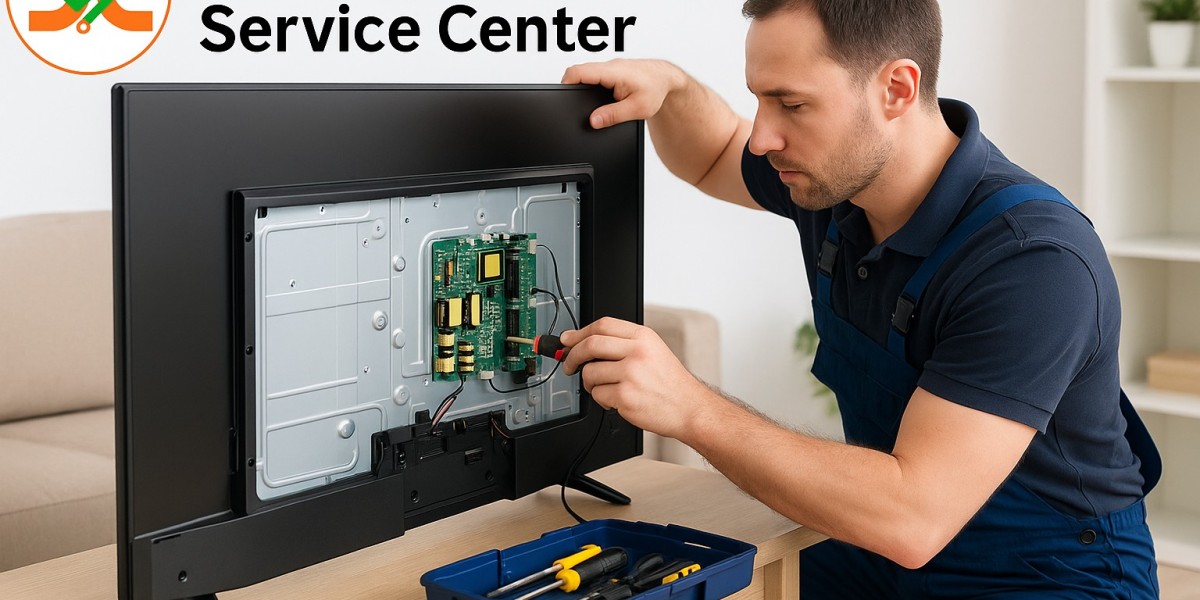
These problems usually indicate a hardware malfunction, not a software issue. In such cases, resetting repeatedly may not help—and could worsen the problem. This is when you should reach out to your nearest Acer TV Service Center in Mumbai, Acer TV Service Center in Noida, or Acer TV Service Center in Ahmedabad.
Professional technicians at these centers can diagnose hardware-level problems such as motherboard faults, backlight damage, or power supply issues and repair them using genuine Acer parts.
Specialized Repair Services in Different Cities
If you’re experiencing serious technical issues with your TV, here’s how service centers in major cities can help:
Acer TV Service Center in Mumbai
This Acer TV Service Center in Mumbai, specializes in Smart TV issues like unresponsive Android systems, app crashes, and panel replacements. Trained professionals perform factory resets, firmware updates, and component replacements quickly and reliably.
Acer TV Service Center in Noida
The Acer TV Service Center in Noida branch is known for handling power and connectivity-related faults. Whether your TV doesn’t turn on, HDMI ports aren’t working, or Wi-Fi keeps dropping, their expert team offers accurate troubleshooting and quick service turnaround.
Acer TV Service Center in Ahmedabad
The Acer TV Service Center in Ahmedabad service facility focuses on post-warranty repairs and general maintenance. Customers benefit from home pickup, quick diagnostics, and cost-effective solutions. The technicians here ensure your Acer TV works like new after repair or reset.
Each authorized center employs certified experts trained in Acer’s latest repair technologies, ensuring reliability and quality service.
Why Choose an Authorized Acer TV Service Center?
While local shops may offer cheaper repair options, only authorized service centers guarantee long-term performance and safety. Here’s why:
- Use of genuine Acer spare parts to maintain original performance.
- Certified technicians trained directly by Acer.
- Warranty-safe repairs—ensuring your coverage remains valid.
- Advanced tools and diagnostics for precise problem identification.
- Transparent pricing and repair reports so you know exactly what’s being done.
Authorized centers like Dial Service Centre also provide professional cleaning, firmware upgrades, and post-repair testing to ensure everything functions perfectly.
Tips to Maintain Your Acer TV’s Performance
Resetting your TV is helpful, but regular maintenance ensures long-lasting performance. Here are some quick care tips:
- Avoid overheating: Ensure your TV has adequate ventilation.
- Use a surge protector: Prevent damage from power fluctuations.
- Clean your TV regularly: Dust the screen and vents gently with a microfiber cloth.
- Update your software: Keep your TV’s firmware current to avoid bugs.
- Schedule annual servicing: Visit an Acer TV Service Center once a year for professional maintenance.
Conclusion
Resetting an Acer TV is a simple yet powerful way to resolve many common software issues. Whether you’re dealing with lagging apps, frozen screens, or sound problems, a reset often restores smooth performance. However, for more serious issues like display failure or no power, it’s best to consult professionals. The Acer TV Service Center in Mumbai, Acer TV Service Center in Noida, and Acer TV Service Center in Ahmedabad are fully equipped to handle all Acer TV repairs using genuine parts and expert care.
When in doubt, remember that a professional checkup from an authorized service center is always the safest option for maintaining your Acer TV’s performance and durability.
FAQ – Common Questions About Resetting Acer TVs
Q1. Will a factory reset delete all apps on my Acer TV?
Yes, a factory reset removes all user data, including apps and login information. You’ll need to reinstall them afterward.
Q2. My TV won’t turn on after resetting—what should I do?
It could be a power supply or motherboard issue. Visit your nearest Acer TV Service Center for professional inspection.
Q3. How often should I reset my Acer TV?
You don’t need to reset it regularly—only when facing persistent performance issues like freezing or connectivity failures.
Q4. Is there a difference between soft and hard reset?
Yes. A soft reset just restarts your TV, while a hard (factory) reset restores it to default settings and erases data.
Q5. Can I get on-site reset and repair services?
Yes, authorized centers in Mumbai, Noida, and Ahmedabad offer doorstep inspection and repair for customer convenience.
Read Our Previous Blog------>What were common issues with Hisense TVs?