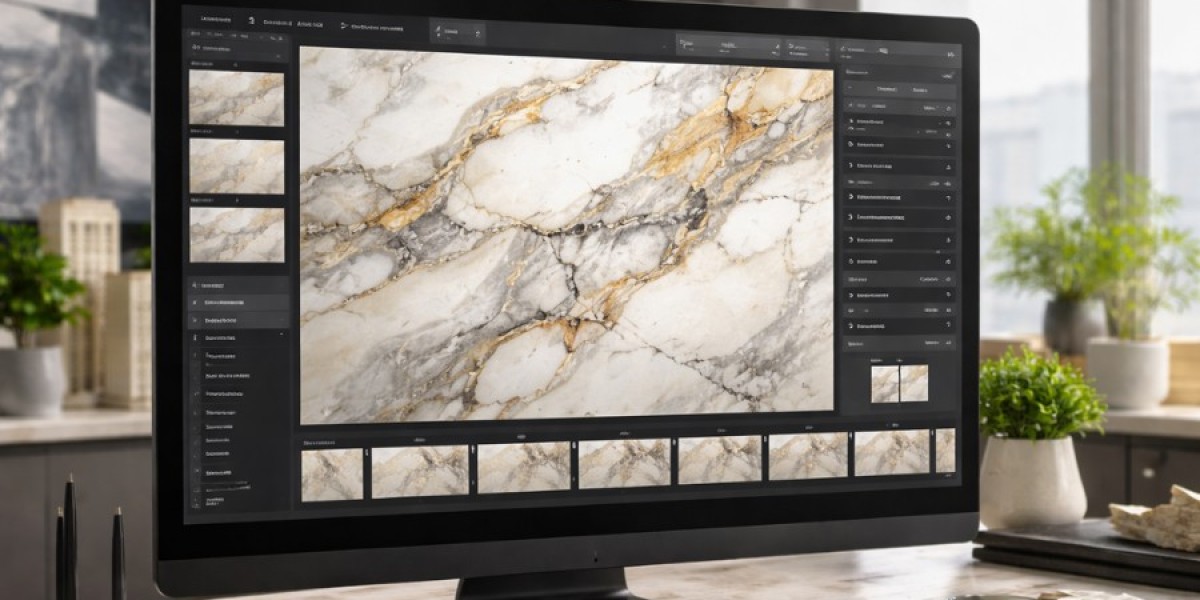

Buying marble is high stakes. Shade variation, veining direction, finish, and lighting can change how a slab looks once installed. Marble visualization software solves this by letting buyers preview selected marble in real room photos, so they commit faster and return less.
What is marble visualization software
Marble visualization software is a digital tool that applies a marble surface onto a real room image (or a staged room) so customers can preview how it will look on floors, walls, countertops, staircases, or feature panels.
It works best when it can understand perspective, align patterns, and preserve realism, so the result looks like a true installation rather than an overlay.
Why marble brands and dealers are adopting it
Marble visualization software is no longer a “nice to have.” It directly improves sales efficiency and customer confidence.
Key business benefits
• Faster decisions because customers can compare options instantly
• Higher conversion rates on websites and in showrooms
• Fewer objections around “how will this look at home”
• Better premium upsell because high end marbles feel safer to choose
• Lower returns and fewer post purchase disputes
Customer experience benefits
• Visual clarity in their own lighting and space
• Easy comparison across finishes and patterns
• More confidence when buying expensive materials
Where it’s used in the buying journey
Marble visualization software can support multiple touchpoints, not just one.
In store sales desks
Sales teams can take a quick photo of the client’s space and visualize options on the spot, making the showroom visit more productive.
Website and lead generation pages
When customers can try products online, time on site increases and lead quality improves. Many brands use this to collect higher intent enquiries.
Architect and designer presentations
Designers can generate quick previews for client approvals, reducing back and forth and helping projects move forward.
Features that matter most
Not all marble visualization software performs the same. These features typically separate average tools from high performing tools.
Core must have features
• Realistic blending that respects lighting and shadows
• Accurate perspective mapping on walls and floors
• Clean surface detection so marble applies only where intended
• Multiple surface support (floor, wall, countertop, staircase)
• Fast rendering so the experience feels instant
Advanced features worth prioritizing
• Bookmatch and vein alignment controls for premium slabs
• Layout options (tiles, slabs, patterns) when relevant
• Finish simulation (polished vs matte)
• Multi angle outputs for better decision making
• Sharing tools (WhatsApp, email, downloadable PDF)
How to choose the right tool
Use this simple checklist before you commit to any marble visualization software.
Selection pointers
• Realism test: do results look installation grade on real room photos
• Speed test: does it render quickly enough for live sales use
• Control test: can users adjust scale, alignment, and bookmatch easily
• Integration test: can it work on your website and inside your showroom workflow
• Catalog readiness: can you upload, manage, and update products smoothly
• Support and onboarding: is implementation help included
Final thoughts
Marble visualization software reduces uncertainty in a category where the smallest detail impacts the final look. If you sell marble, it can become a direct lever for more conversions, higher ticket orders, and smoother customer decisions. A simple next step is to test the tool with your top 20 best selling marbles and a mix of customer room photos to see how confidently it performs.