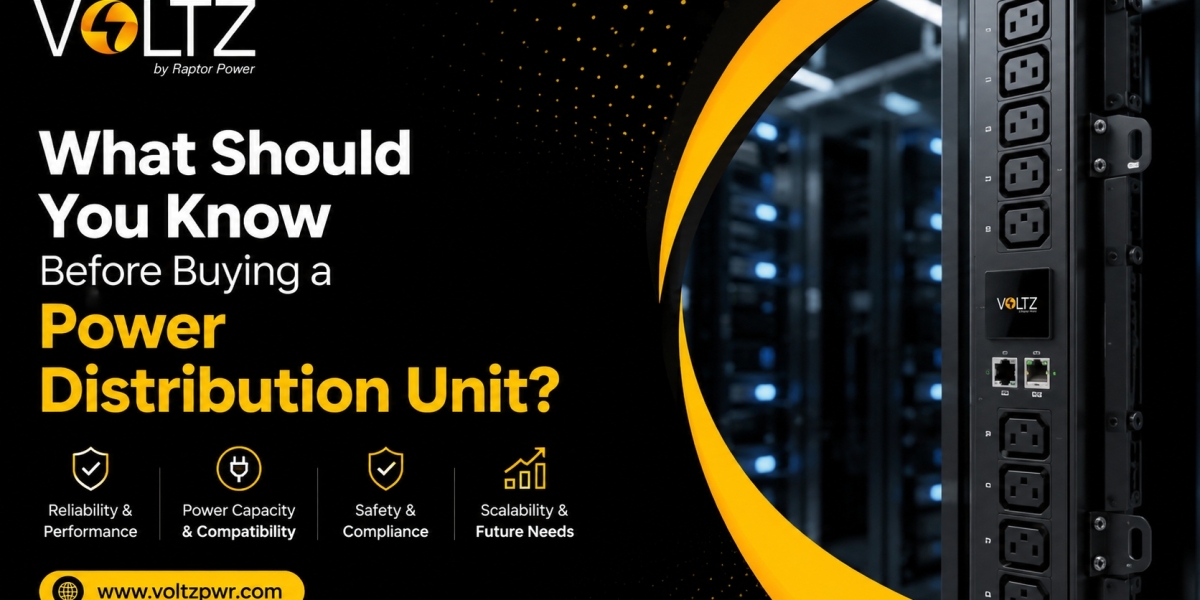

Setting up or expanding a server cabinet seems straightforward until you reach the power distribution layer. Plunging into hardware procurement without a clear power strategy often leads to costly mistakes—such as ordering units with incompatible plugs, overloading branch circuits, or running out of cabinet mounting space.
A PDU (Power Distribution Unit) is much more than a glorified power strip. It is the operational backbone that delivers clean, continuous electricity from upstream Uninterruptible Power Supply (UPS) systems directly to critical servers, storage arrays, and networking switches.
Making an informed purchasing decision requires looking beyond basic price tags. Here is a practical, step-by-step checklist of everything you must evaluate before selecting a PDU for your IT facility.
1. Electrical Capacity and Input Voltage Requirements
Before looking at features or socket layouts, you must determine the exact electrical specifications of your facility’s power drop. Pluggable power hardware must match the building’s power delivery topology.
Single-Phase vs. Three-Phase Feeds
Single-Phase (120V / 208V): Standard for small network closets, edge enclosures, or basic low-density racks (under 5 kW to 7 kW). Single-phase units distribute power over two lines (one hot, one neutral, or two hots).
Three-Phase (208V / 415V): Essential for modern high-density hardware, AI clusters, and enterprise server halls. Three-phase distribution delivers significantly higher overall wattage over thinner cabling, balancing electrical loads across three active phase lines and reducing energy loss.
Match Input Plugs to Wall Receptacles
One of the most common site errors is receiving a high-capacity unit equipped with an industrial NEMA locking plug (like L6-30P or L21-30P) or IEC 60309 pin-and-sleeve connector, only to discover the wall outlet is a standard straight-blade receptacle. Always survey upstream wall receptacles or municipal junction boxes before placing an order.
2. Choosing the Right Intelligence Tier
Power distribution units range from simple plug-and-play strips to fully automated network hubs. Choosing the right functional tier depends entirely on your remote management needs and monitoring budget.
Basic Units
A basic PDU delivers reliable power split across multiple outlets without network connectivity, metering displays, or remote controls. It serves as a cost-effective choice for small server rooms where physical access is easy and basic power splitting is all that is required.
Metered Units
Metered models feature a local LED screen right on the chassis. This display shows real-time amperage draw, helping on-site technicians check circuit headroom before plugging in new equipment to avoid tripping internal breakers.
Monitored (Intelligent) Units
Monitored units include an onboard Network Management Card (NMC) with an assigned IP address. They stream real-time power telemetry (Voltage, Amps, kW, kWh) over network protocols like SNMP, HTTPS, and REST APIs straight into central monitoring dashboards.
Switched Units
Switched units combine network monitoring with remote individual outlet control. System administrators can power cycle hung servers, set boot-up delay timers, and turn off unused outlets remotely to prevent unauthorized devices from being plugged in.
Advanced sub-distribution hardware developed by Voltz features hot-swappable network controller modules across intelligent tiers. This modular design allows engineering teams to upgrade network cards or replace communication components without taking active server workloads offline.
3. Form Factors and Physical Mounting Clearance
Physical space inside a cabinet is valuable real estate. Choosing the right form factor ensures that power distribution hardware does not block equipment rails or restrict cooling airflow.
Horizontal Mounting (1U / 2U)
Horizontal units fit directly into standard 19-inch equipment rack rails, occupying 1U or 2U of rack space. They work best in shallow enclosures, network patching frames, or cabinets with low equipment counts. However, in dense server racks, horizontal mounting consumes valuable rail space that could otherwise hold compute servers.
Vertical Zero-U Mounting
Vertical units mount behind the rear rack rails in the zero-U channel. Spanning up to 72 inches in length, vertical units leave 100% of the main 19-inch rack rails open for servers and switches. Placing sockets directly adjacent to server power supply units allows for shorter power cords, reducing cable clutter and improving hot-aisle exhaust airflow.
Feature Comparison Matrix across Functional Tiers
| Capability / Feature | Basic | Metered | Monitored | Switched (Fully Intelligent) |
| Power Distribution | Yes | Yes | Yes | Yes |
| Local Amperage Display | No | Yes | Yes | Yes |
| Remote IP Connectivity | No | No | Yes | Yes (Dual Ethernet / Web Interface) |
| Overload Email / SNMP Alerts | No | No | Yes | Yes (Proactive Threshold Alarms) |
| Remote Outlet Power Cycling | No | No | No | Yes (Individual Socket Control) |
| Environmental Sensor Hub | No | No | Optional |
4. Receptacle Mix and High-Density Socket Flexibility
Server power supply units use different power cord standards depending on their power draw. Low-wattage servers typically use C14 plugs (connecting to C13 sockets), while high-density blades and storage chassis demand C20 plugs (connecting to C19 sockets).
Count Your Plug Requirements
Before buying a PDU, take inventory of the exact power lead connections your IT hardware requires. Make sure to select a unit with enough socket capacity to support both current gear and planned expansions.
Universal Combo Outlets
Traditional distribution strips use rigid, fixed arrangements of standard C13 and C19 outlets. Modern high-density designs feature hybrid combo sockets that accept both C14 (10A) and C20 (16A) plugs within the exact same socket footprint. Buying units equipped with combo sockets eliminates socket mismatch issues, allowing technicians to reconfigure rack hardware without replacing power strips.
Power systems engineered by Voltz integrate high-density combo sockets with locking outlet mechanisms, preventing power leads from being accidentally dislodged during routine maintenance visits.
5. Thermal Ratings and Circuit Breaker Technology
Modern data centers use hot-aisle containment systems to isolate server exhaust heat. In dense racks, rear exhaust temperatures regularly reach between 45°C and 55°C. Operating power hardware in these environments requires evaluating thermal durability.
Thermal-Magnetic vs. Hydraulic-Magnetic Breakers
Standard thermal circuit breakers rely on bimetallic strips that react to heat. When placed in hot rear server aisles, thermal breakers derate and trip prematurely—even when electrical current is well within safe operating limits.
Always specify units built with hydraulic-magnetic circuit breakers. Hydraulic-magnetic breakers trip strictly based on magnetic flux generated by electrical current overloads. They hold 100% of their rated electrical capacity across harsh operating environments up to 60°C, eliminating heat-induced false trips.
6. Real-World Practical Scenarios
Scenario A: Avoiding a Socket Mismatch During an Emergency Server Deployment
Symptom: A network team receives a high-density SAN array to replace a failed storage shelf, but installation halts because the array's C20 power leads cannot fit into the cabinet's existing C13 power sockets.
Root Cause: The original distribution unit was ordered with fixed C13 outlets only, offering no support for higher-amperage hardware.
Solution: Replace the fixed-socket strip with a unit featuring hybrid combo sockets that accept both C14 and C20 leads, allowing instant hardware installation without replacing power strips in the future.
Scenario B: Recovering a Remote Branch Server Without a Truck Roll
Symptom: An edge compute server located at an unmanned regional facility freezes during an operating system update, dropping local connectivity.
Root Cause: A system kernel panic prevents remote SSH or remote desktop access.
Solution: An administrator logs into the switched PDU web interface remotely, locates the socket assigned to the frozen host, and executes a remote power-cycle command. The server reboots and recovers within minutes, saving thousands of dollars in emergency technician dispatch costs.
Frequently Asked Questions (FAQs)
1. What is the single most important factor to check before buying a PDU?
The most critical factor is verifying electrical compatibility. You must ensure the unit's input phase (single-phase vs. 3-phase), operating voltage, amperage rating, and input plug match your facility's upstream power drop and wall receptacles.
2. Is it worth buying an intelligent switched PDU over a basic model?
Yes, especially for mission-critical, high-density, or remote facilities. While basic units simply split power, intelligent switched units provide real-time telemetry, send proactive overload alerts, and allow administrators to reboot frozen servers remotely, drastically reducing downtime and site visit costs.
3. What is the benefit of vertical Zero-U mounting?
Vertical Zero-U mounting installs the unit along the rear frame of the cabinet, consuming zero main 19-inch rail space. This leaves 100% of standard rack space open for IT equipment while placing power sockets right next to server power supplies for cleaner, shorter cable runs.
4. How do high-density combo sockets simplify equipment upgrades?
High-density combo sockets accept both C14 (10A) and C20 (16A) power plugs in a single universal outlet design. This eliminates the need to calculate fixed ratios of C13 and C19 sockets, allowing you to plug in any server configuration during future hardware refreshes.
5. Why do thermal circuit breakers cause false trips in hot aisles?
Standard thermal circuit breakers use heat-sensitive strips to trigger trips. Because rear server aisles often reach high exhaust temperatures (45°C to 55°C), ambient heat causes thermal breakers to derate and trip below their rated electrical capacity. Hydraulic-magnetic breakers avoid this by tripping strictly based on electrical current flux.
6. Can a PDU monitor environmental conditions inside the server rack?
Yes. Most intelligent monitored and switched units feature plug-and-play sensor ports. You can attach external probes to monitor intake temperatures, humidity levels, water leaks, and cabinet door access statuses directly through the unit's network interface.
Final Purchasing Checklist
Selecting the ideal power hardware comes down to matching physical capacity with smart monitoring capabilities.
By verifying input feeds, picking the proper form factor, specifying high-density combo sockets, and opting for hydraulic-magnetic circuit protection, you protect your IT investments against unexpected downtime and smooth out daily facility management.
Explore how sub-distribution systems engineered by Voltz can protect your IT assets, streamline remote power management, and deliver efficient power across your compute infrastructure.