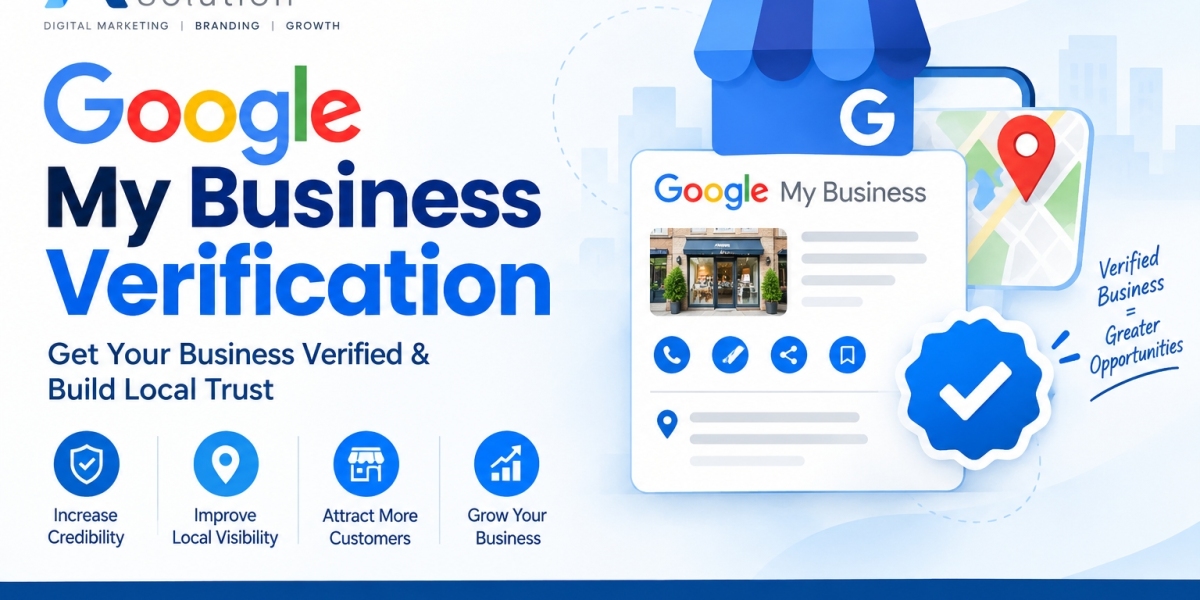

Managing multiple business locations on Google can become challenging when every location has to be handled separately. Google My Business Bulk Verification provides a practical way for eligible businesses with multiple locations to verify and manage their profiles together. It can simplify the process for brands, chains, and organizations that operate several locations under the same business.
Google My Business Bulk Verification is designed for businesses that have multiple eligible locations and need an organized approach to verification. Google currently states that businesses with 10 or more locations of the same business may be eligible for bulk verification. Understanding the requirements, preparing accurate business information, and following the verification process carefully can help create a smoother experience.
What Is Google My Business Bulk Verification?
Google My Business is now commonly referred to as Google Business Profile. Bulk verification allows eligible businesses to verify multiple locations through Business Profile Manager instead of completing the verification process separately for every location.
This process is especially useful for businesses with a large number of branches, stores, offices, or other eligible customer-facing locations. Once an account or business group is successfully verified for eligible profiles, the business can manage location information through the Business Profile system.
Google explains that bulk verification is intended for businesses that have 10 or more profiles from the same business. Agencies managing different businesses within one account cannot use bulk verification simply because the combined number of profiles reaches the required threshold.
Who Can Use Bulk Verification?
Bulk verification is generally intended for businesses that operate multiple locations belonging to the same business. Before beginning the process, it is important to check whether every location meets Google's eligibility requirements.
The profiles added to an account should accurately represent the size and structure of the business. Google may request additional evidence if the number of locations in an account does not appear consistent with the business. Only business owners or authorized representatives should complete the verification process.
Businesses should also review Google's eligibility requirements before creating multiple profiles. A Business Profile generally represents a business that has an eligible physical location customers can visit or a qualifying service-area business that travels to customers.
Prepare Your Business Information Before Verification
Preparation is an important part of Google My Business Bulk Verification. Before uploading information, collect accurate details for every location. This can include the business name, address, phone number, website, primary category, business hours, store code, and other applicable information.
Google recommends using information that accurately represents the business in the real world. Business names should match the names used on storefronts, websites, stationery, and other business materials. Adding unnecessary keywords, promotional phrases, or unrelated information to business names can create profile-quality problems.
It is also useful to establish a consistent internal process for checking location information. Compare addresses, telephone numbers, websites, categories, and operating hours with the information maintained by the business before submitting the spreadsheet.
Create a Business Profile Manager Account
Business Profile Manager is the central place for managing multiple business locations. Businesses can organize their locations and use the available tools to import, update, and manage profiles.
For organizations managing multiple locations, creating an appropriate business group can make administration easier. Google explains that business groups allow businesses to manage locations and share management responsibilities with multiple users.
Businesses should use an active account that is connected appropriately to the organization. Google notes that using an email address associated with the business domain can help during the verification process, while non-business-domain email addresses may require additional steps.
Use a Bulk Upload Spreadsheet
One of the key parts of managing multiple profiles is the bulk upload spreadsheet. Google provides a template that can be downloaded from Business Profile Manager. The spreadsheet allows businesses to organize location information before importing it into the account.
When creating the spreadsheet, every location should have a unique business code or store code. These codes help identify individual locations and ensure that updates are applied to the correct profile. Google states that business codes should be unique and should not contain certain special characters or URLs.
Businesses should review the spreadsheet carefully before uploading it. Missing information, incorrect formatting, duplicate store codes, or inaccurate location information can create errors that require correction.
Important Information to Include in the Spreadsheet
The exact spreadsheet fields can vary depending on the business and the information being managed. Important fields can include business code, business name, address, primary phone, website, primary category, business description, opening date, hours, and applicable attributes.
Google requires a business code for each business in the spreadsheet. A primary phone number or website is also required for each business. The primary category should describe the business itself rather than a product, feature, or individual service offered by the business.
Accurate location information is particularly important. If Google cannot verify a new location based on the listed address, latitude and longitude may be requested or provided to help identify the correct position.
Upload and Review Your Locations
After completing the spreadsheet, upload it through Business Profile Manager. Google supports several spreadsheet formats, including XLS, XLSX, ODS, and CSV. The system provides a preview of proposed changes so businesses can review the information before applying it.
Do not rush through this review. Check every location for spelling, addresses, phone numbers, websites, categories, and store codes. If unexpected new businesses appear after uploading the file, review the store codes and location information before proceeding.
Google may identify errors or warnings during the import process. These should be addressed before requesting bulk verification. Resolving problems at this stage can reduce unnecessary delays.
Request Google My Business Bulk Verification
Uploading a spreadsheet does not automatically submit a bulk verification request. After the eligible locations have been added and the information has been reviewed, the business must submit a separate verification request.
According to Google's current instructions, eligible businesses can sign in to Business Profile Manager, select the Verifications section, choose the applicable option, complete the form, and submit the request. Google then reviews the account and business information. If additional information is needed, Google may contact the business.
Once the bulk verification request is successfully completed, Google sends a confirmation by email. The exact review experience can vary depending on the account, business structure, location information, and other verification factors.
Common Reasons for Bulk Verification Delays
Several issues can delay the bulk verification process. Incorrect postal codes, improperly formatted telephone numbers, incomplete spreadsheet information, duplicate store codes, and inconsistent business information are common areas that deserve attention.
Google also states that email addresses that do not contain the official business domain may require additional verification steps. Businesses should therefore use appropriate and accessible contact information when submitting their request.
Another important consideration is business eligibility. Certain business models may not qualify for bulk verification. For example, some service-area businesses without customer-facing locations may need to use an individual verification process instead.
Keep Business Information Consistent
Verification is not the end of profile management. Businesses should continue checking their locations to make sure information remains accurate. Changes to business hours, addresses, telephone numbers, websites, or other important details should be updated promptly.
Google can also receive information about businesses from different sources. As a result, profile information may sometimes be updated based on information gathered from users, websites, and other sources. Regular monitoring helps businesses identify changes and review them when necessary.
Maintaining consistent information across all business locations is also useful for internal management. A central spreadsheet or location database can help teams keep track of changes before they are submitted to Google.
Follow Google's Business Profile Guidelines
Businesses should follow Google's Business Profile guidelines throughout the bulk verification process. The business name should represent the real-world name, addresses should be accurate, and categories should describe the core business appropriately.
Google recommends using the fewest categories needed to describe the overall business. It also states that there should generally be only one profile per business to avoid problems with how information appears on Google Maps and Search.
Authorized representatives should also work directly with business owners during verification and keep owners informed about actions being taken on their profiles. Google recommends that business owners maintain ownership of their profiles while authorized representatives receive appropriate management access.
Benefits of Managing Locations in Bulk
Bulk management can make location administration more organized for businesses with many eligible locations. Instead of entering the same type of information repeatedly, businesses can use a structured spreadsheet to organize location data and make updates.
Once locations are appropriately verified, businesses can manage information such as hours and photos across their profiles. New eligible locations can also be added to the management system as the business expands.
The biggest practical advantage is centralized management. Teams can maintain a consistent process for reviewing business information, correcting errors, and keeping location records organized.
How to Maintain a Successful Bulk Verification Setup
A successful bulk verification setup requires ongoing attention. Businesses should periodically audit their locations, confirm that every store code remains unique, review contact information, and check whether locations are still operating under the same business structure.
When adding new locations, collect the necessary information before creating the profile. When closing or relocating a location, update the business records carefully so that outdated information does not remain active.
It is also helpful to assign clear responsibilities within the organization. One person or team can maintain the master location spreadsheet, while authorized managers can monitor individual profiles and report changes.
Frequently Asked Questions
What is Google My Business Bulk Verification?
Google My Business Bulk Verification, now associated with Google Business Profile, is a verification process for eligible businesses that manage multiple locations. It allows qualifying businesses to request verification for multiple eligible profiles rather than verifying each location separately.
How many locations are required for bulk verification?
Google states that businesses generally need 10 or more profiles from the same business to qualify for bulk verification. Eligibility requirements still apply to the locations and account.
Does uploading a spreadsheet automatically verify the locations?
No. Uploading a spreadsheet adds or updates location information, but it does not itself submit the bulk verification request. An eligible business must complete the verification request through Business Profile Manager.
Why are unique store codes important?
Unique store codes help identify individual locations and make sure that information is applied to the correct business profile when spreadsheets are used for bulk management.
Can an agency bulk verify different client businesses together?
Google's bulk verification requirements are based on locations belonging to the same business. Agencies managing multiple different businesses in one account cannot combine those businesses simply to reach the location threshold.
What should businesses do after bulk verification?
Businesses should continue monitoring their profiles, correcting inaccurate information, updating location details when necessary, and following Google's Business Profile guidelines. Regular management helps keep location information current across Google Search and Maps.
Conclusion
Google My Business Bulk Verification can provide an organized way for eligible businesses with multiple locations to verify and manage their profiles. The process involves preparing accurate business information, creating a structured spreadsheet, assigning unique store codes, uploading the locations, reviewing errors, and submitting a bulk verification request through Business Profile Manager.
Businesses should remember that verification is an ongoing responsibility rather than a one-time task. Keeping business information accurate, following Google's guidelines, monitoring profile updates, and maintaining clear ownership can help create a reliable location management process. With proper preparation and regular maintenance, organizations with multiple eligible locations can manage their Google Business Profiles more efficiently.