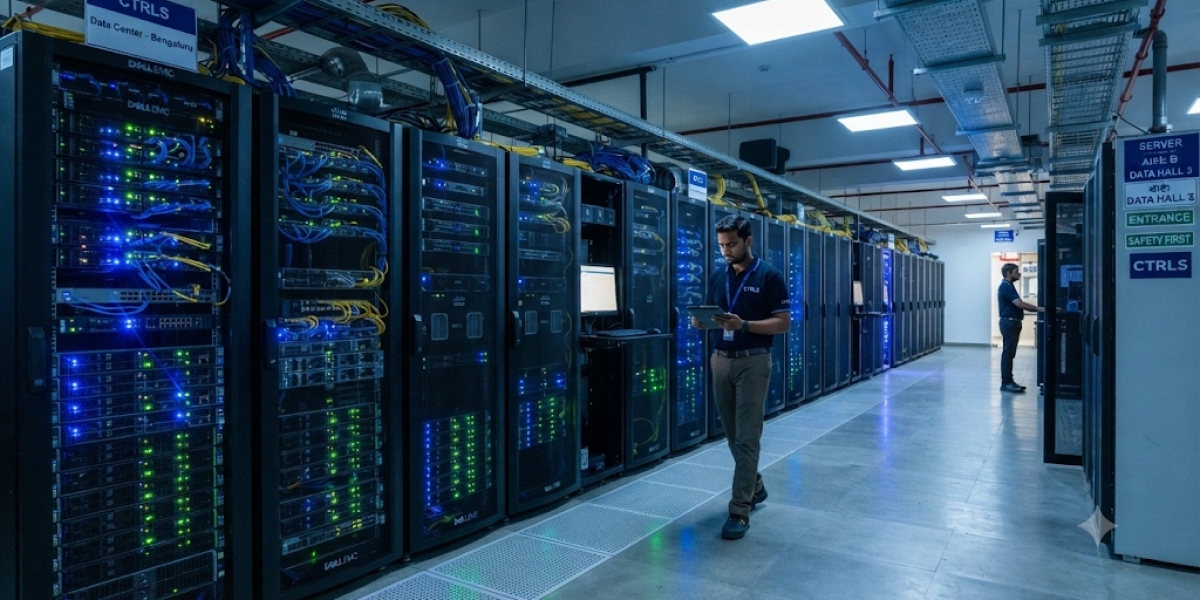

Modern businesses and professionals rely on powerful computing systems to complete complex tasks. Activities such as artificial intelligence (AI) development, 3D rendering, video editing, machine learning, and scientific research require advanced processing capabilities. Traditional computer hardware may struggle when handling large datasets or highly detailed projects.
Graphics Processing Units (GPUs) help solve this challenge by performing multiple calculations simultaneously. Unlike CPUs, which handle general computing operations, GPUs are designed to process parallel workloads efficiently. This makes them an important part of modern computing infrastructure.
Why Are Professional GPUs Important?
Professional GPUs are built to support applications that require high computing power and reliable performance. They are useful for individuals, developers, designers, and organisations working with demanding software.
Some common applications include:
Artificial Intelligence: GPUs accelerate machine learning model training and inference.
3D Rendering: Designers can create detailed models, animations, and visual effects.
Video Production: High-performance GPUs support video editing, encoding, and rendering.
Scientific Research: Researchers use GPU computing for simulations and complex calculations.
Engineering and Architecture: Professionals can work with detailed designs and visual models.
The right GPU can help reduce processing time and support more complex workflows.
What Features Should You Consider Before Choosing a GPU?
Selecting a professional GPU requires more than checking its price or model name. Different technical specifications determine how effectively it handles specific workloads.
1. GPU Architecture
GPU architecture influences processing performance, power efficiency, and support for modern computing technologies. Newer architectures generally introduce improvements in graphics processing and AI capabilities.
2. Video Memory
VRAM is important when working with large datasets, high-resolution graphics, and complex AI models. Higher memory capacity allows applications to handle larger workloads without frequently transferring data between system memory and GPU memory.
3. Parallel Processing
GPUs contain thousands of processing units that can perform calculations simultaneously. This makes them suitable for rendering, machine learning, and other compute-intensive applications.
4. Software Compatibility
Before selecting a GPU, check whether it supports the software and frameworks used in your workflow. Compatibility with CUDA, professional rendering applications, and AI development frameworks can influence overall productivity.
How Can the RTX Pro 6000 Support Advanced Workloads?
Professionals looking for powerful graphics and computing capabilities can explore the rtx pro 6000 for demanding applications. Built on NVIDIA's Blackwell architecture, this GPU is designed to support professional workloads involving artificial intelligence, advanced rendering, simulation, and data processing.
The Workstation Edition offers 96GB of GDDR7 memory with ECC support, making it suitable for memory-intensive professional applications.
Some important use cases include:
Training and running large AI models.
Developing 3D environments and digital twins.
Creating complex animations and visual effects.
Processing large datasets for research.
Supporting professional video production.
Its advanced architecture and substantial memory capacity make it a useful option for professionals who need more computing resources. Actual performance will depend on the software, system configuration, and workload requirements.
Is Cloud GPU Infrastructure a Practical Alternative?
Purchasing a high-performance GPU workstation may not be suitable for every business. Hardware costs, maintenance, power consumption, and future upgrades can increase the overall investment.
Cloud GPU infrastructure provides another option. Businesses can access GPU resources remotely without purchasing and maintaining all the physical hardware themselves.
Cloud GPU solutions can be useful for:
AI developers testing different models.
Startups managing changing computing requirements.
Research teams running temporary simulations.
Creative professionals working on resource-intensive projects.
Before selecting a cloud GPU provider, compare GPU availability, memory capacity, pricing, storage, network connectivity, and technical support.
How Should Businesses Select the Right GPU Solution?
The right GPU depends on the type of applications being used. AI developers may prioritise memory capacity and computing performance, while designers may focus on rendering capabilities and software compatibility.
Businesses should also consider whether a workstation, dedicated GPU server, or cloud-based environment better fits their operations.
Evaluating these factors before making a purchase or choosing a cloud service can help avoid unnecessary expenses and ensure that computing resources match actual workload requirements.
Conclusion
Professional GPUs have become essential for modern applications involving artificial intelligence, rendering, video production, and scientific computing. Advanced GPU architectures provide the processing capabilities required to handle increasingly complex workloads.
By comparing memory, architecture, software compatibility, and infrastructure requirements, professionals can select suitable GPU solutions for their projects. A well-planned computing environment can support efficient workflows and future development.









