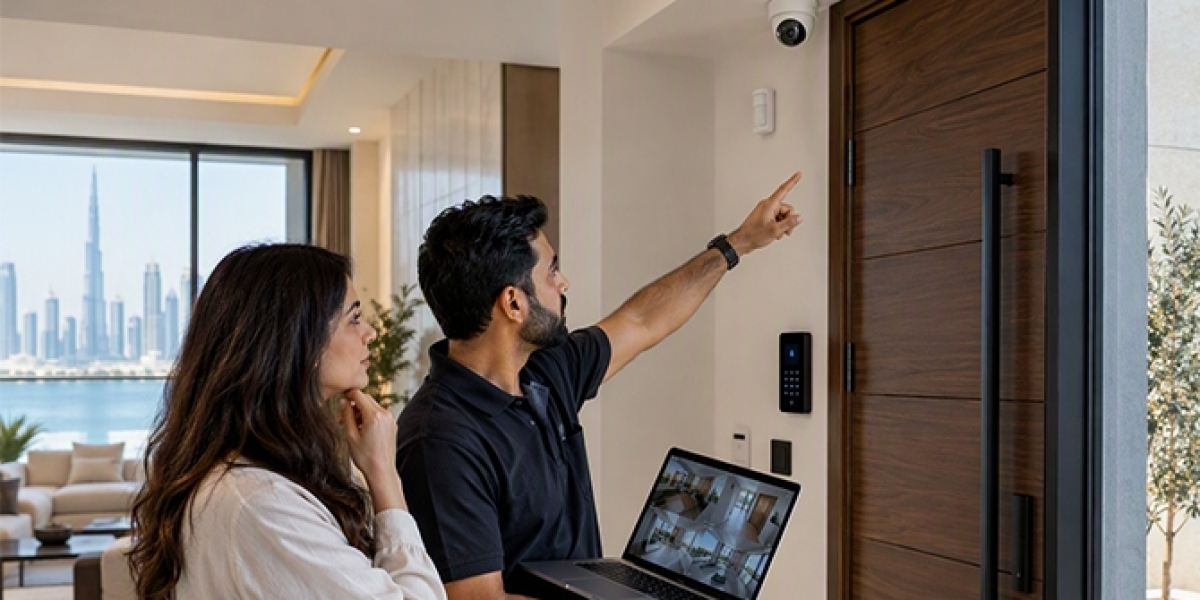

A home automation system makes daily activities easier by allowing people to control lights, air conditioning, curtains, security cameras, and other devices through a mobile phone or control panel. However, like other home systems, it needs regular care to work properly. Understanding basic maintenance can help homeowners avoid common problems and keep their devices working for a long time. Choosing a top Home Automation company dubai can also help homeowners understand which maintenance tasks are needed for their home setup.
1. Check Smart Devices Regularly
Smart devices are used throughout an automated home. These may include smart switches, sensors, motion detectors, smart locks, cameras, and lighting controls. Over time, some devices may stop responding or may not work as expected.
Homeowners should check these devices regularly to make sure they are working correctly. For example, smart switches should respond when commands are given, and motion sensors should detect movement in the required areas.
It is also useful to check devices that are not used often. A device may develop a problem without being noticed if it is rarely used. Regular checks can help identify small issues before they affect other parts of the system.
2. Keep Software and Applications Updated
Most home automation systems use software to connect and control different devices. Manufacturers release updates to improve performance, fix errors, and support new features.
Homeowners should check for available updates for their mobile applications, smart hubs, and connected devices. Installing these updates can help reduce software problems and improve system performance.
It is also important to use the correct application version. If an application is outdated, some devices may not connect properly or certain controls may stop working.
Before installing major updates, homeowners should check the manufacturer's instructions and make sure the system settings are backed up if this option is available.
3. Check Wi-Fi and Network Connections
A stable internet connection is important for many home automation systems. Smart devices often depend on Wi-Fi or another communication network to receive commands and share information.
If the network becomes slow or unstable, homeowners may notice delays when controlling lights, cameras, or air conditioning through their phones.
To avoid these problems, check the router regularly and make sure it is placed in a suitable location. Avoid keeping it behind large furniture or inside closed cabinets. These objects can affect the wireless signal.
It is also helpful to check whether too many devices are connected to the same network. If several devices use the network at once, performance may become slower. A suitable network setup can help connected devices communicate more smoothly.
4. Clean Sensors and Smart Devices
Dust and dirt can affect the performance of some home automation devices. Motion sensors, cameras, touch panels, and temperature sensors need to be kept clean.
For example, dust covering a motion sensor may affect its ability to detect movement. Dirt on a security camera lens can also reduce image quality.
Use a soft, dry cloth to clean the outside of devices. Follow the manufacturer's cleaning instructions and avoid using too much water or strong cleaning products.
Homeowners should also make sure that sensors are not blocked by curtains, furniture, or other objects. Keeping these devices clean and clear can help them work as expected.
5. Inspect Smart Security Devices
Security devices are an important part of many home automation systems. These may include smart door locks, CCTV cameras, video doorbells, and window sensors.
Regular checks can help homeowners confirm that these devices are working properly. Check camera images, door lock responses, alarm notifications, and sensor connections.
For battery-powered devices, check the battery level and replace batteries when required. A low battery may affect the performance of a smart lock or security sensor.
Homeowners should also review security settings and notification options. This helps ensure that important alerts are received when an unusual activity is detected.
6. Check Electrical Connections and Power Supply
Home automation devices need a stable power supply. Problems with wiring, loose connections, or damaged power adapters can affect how devices operate.
Homeowners should look for visible signs of damage, such as loose cables, unusual heat, or devices that switch off without a clear reason.
However, electrical inspection and repair should be handled by a qualified technician. Homeowners should not open electrical panels or attempt to repair internal wiring without proper knowledge.
Regular professional inspections can help identify electrical problems and reduce the risk of damage to connected devices.
7. Test Smart Lighting and Curtain Controls
Smart lighting and automated curtains are used frequently in many homes. These systems should be tested from time to time to make sure they respond correctly.
Check whether lights turn on and off through the application, wall switches, or scheduled settings. For automated curtains, check whether they open and close without unusual noise or movement problems.
If a curtain motor becomes noisy or stops halfway, it may need inspection. Similarly, smart lights that flicker or fail to respond may have a connection or device issue.
Regular testing can help homeowners notice problems early and maintain smooth operation.
8. Review Automation Settings and Schedules
Home automation systems often include schedules and automatic actions. For example, lights may switch on at a particular time, curtains may open in the morning, and air conditioning may follow a daily schedule.
These settings should be reviewed occasionally to make sure they still match the household's needs.
Sometimes, changes in daily routines can make older schedules unnecessary. Incorrect settings may also cause devices to operate at unexpected times.
Check automation scenes, timers, and device groups through the control application. Remove settings that are no longer needed and update schedules when required.
9. Arrange Professional System Inspections
Some maintenance tasks can be completed by homeowners, but more complex problems need professional attention. A trained technician can inspect the system, test connections, check device performance, and identify technical issues.
Professional inspections are especially useful when several devices are connected through one central control system. A problem with the main controller may affect multiple devices at the same time.
Homeowners should follow the maintenance schedule recommended by the equipment manufacturer or system installer. Keeping records of repairs, software updates, and device replacements can also make future maintenance easier.
10. Keep a Record of System Maintenance
Maintaining a simple record of home automation activities can help homeowners understand the condition of their system.
The record can include software update dates, battery replacements, device repairs, network changes, and professional inspection details.
This information is useful when a device develops a problem because homeowners can check whether any recent changes may be related to it.
It can also help technicians understand the system's maintenance history when they visit the property. A clear maintenance record makes it easier to plan future checks and replacements.